Video Editing Course
Video Editing for Vlogs & Ads – Create Engaging Content with Professional Techniques
Create Stunning Videos for Social Media
Looking for the best Video Editing course in Nepal?
Join the professional Video Editing Training at Code IT and learn to create high-quality videos, cinematic edits, and engaging visual content using industry-standard editing tools.
This hands-on course is ideal for students across Nepal who want to master video editing, content creation, and professional post-production skills. You will gain practical experience in cutting, trimming, color grading, transitions, audio editing, motion graphics, and exporting videos for YouTube, social media, and professional projects.
Our training program offers live online classes accessible from anywhere in Nepal, along with hands-on classroom sessions in Dharan. Build real-world projects such as promotional videos, social media reels, cinematic edits, and client-based assignments.
Develop creative storytelling skills, enhance your editing techniques, and gain the confidence to work as a professional video editor, content creator, or freelancer.
Looking for the best Video Editing course in Nepal?
Join the professional Video Editing Training at Code IT and learn to create high-quality videos, cinematic edits, and engaging visual content using industry-standard editing tools.
This hands-on course is ideal for students across Nepal who want to master video editing, content creation, and professional post-production skills. You will gain practical experience in cutting, trimming, color grading, transitions, audio editing, motion graphics, and exporting videos for YouTube, social media, and professional projects.
Our training program offers live online classes accessible from anywhere in Nepal, along with hands-on classroom sessions in Dharan. Build real-world projects such as promotional videos, social media reels, cinematic edits, and client-based assignments.
Develop creative storytelling skills, enhance your editing techniques, and gain the confidence to work as a professional video editor, content creator, or freelancer.
Prerequisites
Video Editing Course
Next batch starting soon

Have any Question?
Everything You Receive
All-inclusive support — from training to real-world experience
Live Classes
Google
Meet
8:00 PM - 9:30 PM
Lifetime Videos
Re-watch anytime
Certification
Industry recognized
Internship
No internships are available right now.
Course Curriculum
Everything you'll learn — from fundamentals to advanced concepts
Course Outlines
-
Video Editing Fundamentals
-
Cutting
-
Transitions & Effects
-
Audio Editing & Color Correction
-
Text
-
Titles & Motion Graphics
-
Advanced Editing & Real Projects
Full Curriculum
01
Day 1 – Introduction & Workflow
02
Day 2 – Timeline & Editing Tools
03
Day 3: Professional Transitions
04
Day 4: Text & Motion Typography
05
Day 5: Professional Audio Editing
06
Day 6: Color Correction & Cinematic Look
07
Day 7: Practical Project
08
Day 8: B-Roll & Storytelling
09
Day 9: Advanced Editing
10
Day 10: Motion Graphics
11
Day 11: Sound Design
12
Day 12: Export & Delivery
13
Day 13: Content Creator Masterclass
14
Day 14: Portfolio & Career
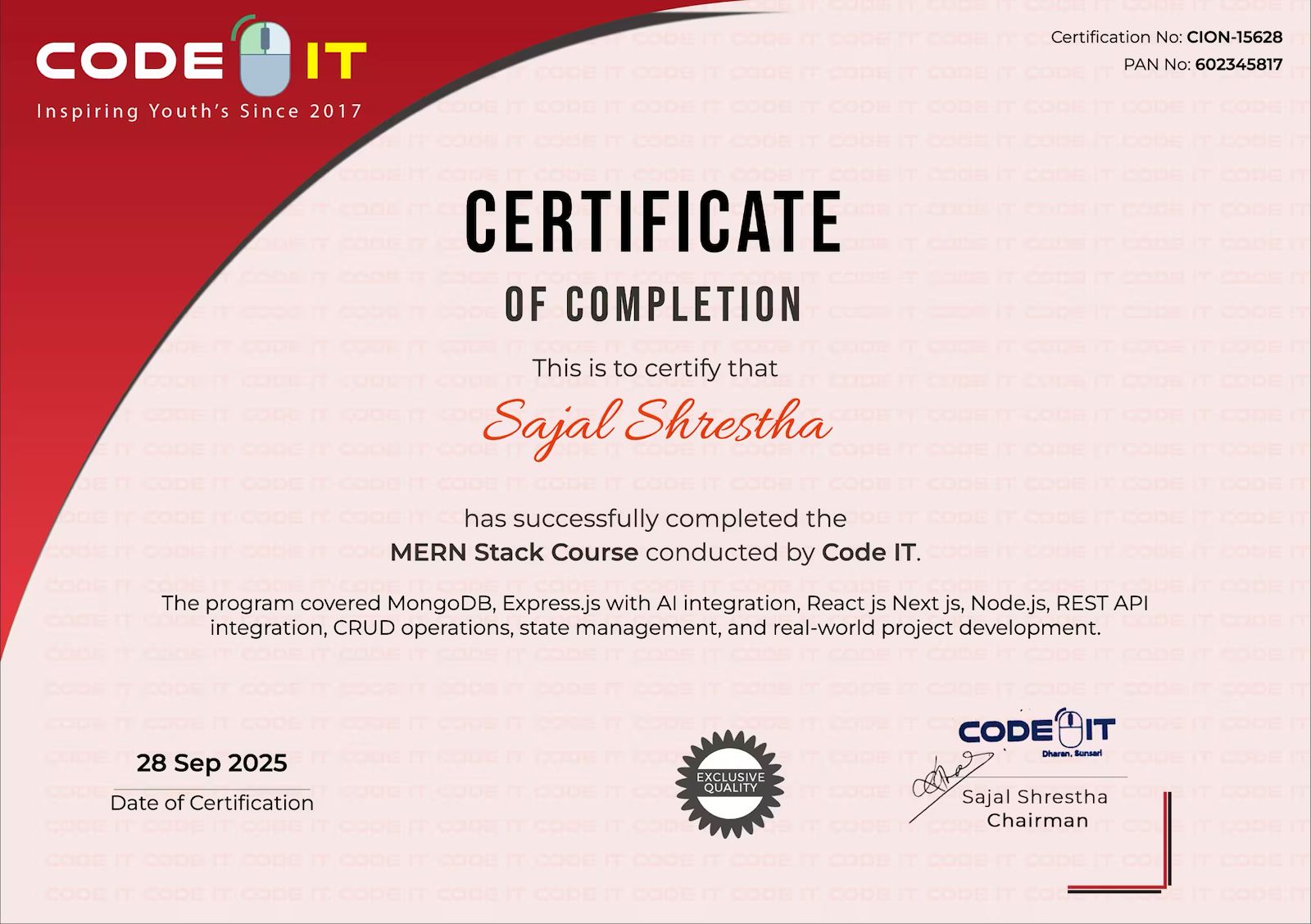
Earn Your Certification
After completing the course, you will receive a professional certificate from Code IT, verified by industry leaders in Nepal.
Course Mentors
Learn directly from industry experts with years of hands‑on experience

Need More Information?
Our team will respond within a few hours
Why Enquire?
Join 100k+ successful graduates
Similar Courses
Explore other programs that might interest you

UI/UX Certification
UI/UX Design Certification Course – Master User-Centered Design & Prototyping

Web Design
Beginner-Friendly Web Design Course with HTML, CSS, Tailwind CSS & JavaScript
Graphic Design (Photoshop)
Adobe Photoshop Course – Learn Photo Editing, Graphic Design & Digital Art Skills