- Home
- /
- Web Development
- /
- WordPress Training
WordPress Training
WordPress Training Course – Create and Manage Stunning Websites with Ease
WordPress Course in Nepal
Looking for the best WordPress course in Nepal?
Join the professional WordPress Training at Code IT and learn to build professional websites, blogs, and e-commerce platforms using WordPress — the world’s most popular CMS.
This hands-on web development course is ideal for students across Nepal who want to master WordPress, gain practical experience, and develop job-ready web design skills. You’ll customize themes, install plugins, manage content, and create responsive, SEO-friendly websites used in real projects.
Our training program offers live online classes accessible from anywhere in Nepal, along with hands-on classroom sessions in Dharan. Strengthen your web development skills, build real projects, and prepare for professional opportunities in web design, digital marketing, and IT services.
Create modern websites, enhance your WordPress skills, and gain the confidence to work as a professional WordPress developer or freelancer in Nepal’s growing digital industry.
Looking for the best WordPress course in Nepal?
Join the professional WordPress Training at Code IT and learn to build professional websites, blogs, and e-commerce platforms using WordPress — the world’s most popular CMS.
This hands-on web development course is ideal for students across Nepal who want to master WordPress, gain practical experience, and develop job-ready web design skills. You’ll customize themes, install plugins, manage content, and create responsive, SEO-friendly websites used in real projects.
Our training program offers live online classes accessible from anywhere in Nepal, along with hands-on classroom sessions in Dharan. Strengthen your web development skills, build real projects, and prepare for professional opportunities in web design, digital marketing, and IT services.
Create modern websites, enhance your WordPress skills, and gain the confidence to work as a professional WordPress developer or freelancer in Nepal’s growing digital industry.
Prerequisites

WordPress Training
Next batch starting soon

Have any Question?
Everything You Receive
All-inclusive support — from training to real-world experience
Live Classes
Google
Meet
8:00 PM - 9:30 PM
Lifetime Videos
Re-watch anytime
Certification
Industry recognized
Internship
No internships are available right now.
Course Curriculum
Everything you'll learn — from fundamentals to advanced concepts
Course Outlines
-
WordPress Basics & Setup
-
Content Management & Media
-
Themes & Customization
-
Plugins & Functionality
-
Advanced Features & Deployment
Full Curriculum
01
Introduction to WordPress - Day 1
02
Understanding Your WordPress Dashboard (Day 2-3)
03
Installing Necessary Plugins (Day-4)
04
A Website Structure That Works (Day-5)
05
Introduction to Elementor (Day-6)
06
Build A Professional Website (Day-7)
07
Creating a portfolio website. (Day-8)
08
Build An e-commerce Website (Day-9-10-11)
09
Hosting Website [Make Your Website Live] (Day-12)
10
Launching Website (Day-13)
11
Bonus Tips
12
Getting Clients (Day-14)
13
Bonus (Day-14)
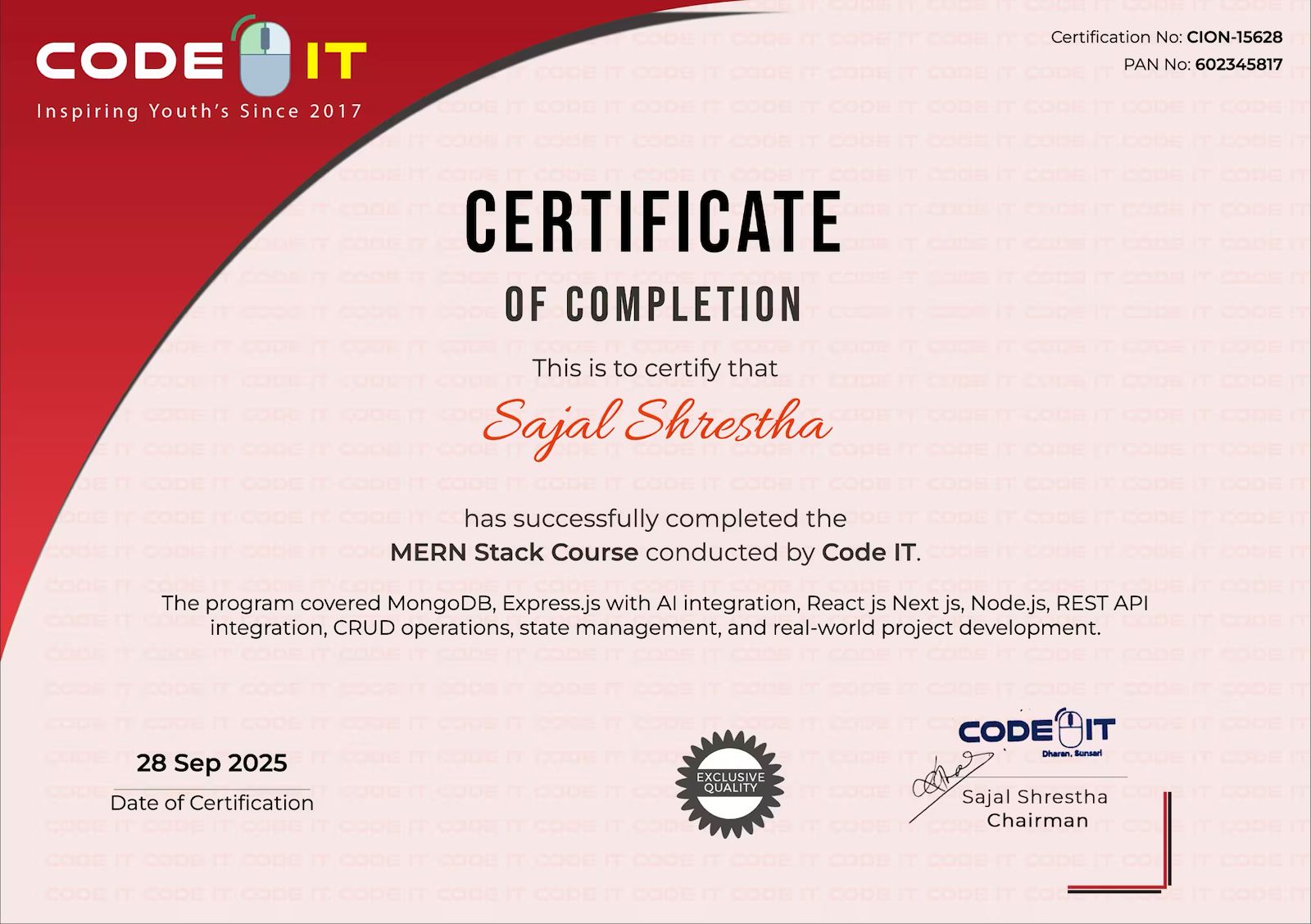
Earn Your Certification
After completing the course, you will receive a professional certificate from Code IT, verified by industry leaders in Nepal.
Course Mentors
Learn directly from industry experts with years of hands‑on experience

Need More Information?
Our team will respond within a few hours
Why Enquire?
Join 100k+ successful graduates
Similar Courses
Explore other programs that might interest you

Mern Stack
Complete MERN Stack Development Course – Build Full-Stack Web Applications with MongoDB, Express, React & Node.js
Full Stack Web Development in Laravel
Laravel Framework Course – Build Robust PHP Applications with MVC Architecture

Python with Django
Python with Django Course – Build Powerful Web Applications Using Python Framework